

Windward Risk Managers Streamlined Policy Processing by Enabling Agents in the Flow of Work
Windward Risk Managers, a leading home insurance services firm, struggled with high support call volumes and inconsistent policy documentation as agents navigated complex quoting processes on Duck Creek. With Whatfix, Windward equipped agents with contextual in-app guidance, improving self-service adoption and reducing support friction. The result? An agent Self Help search success of 87%, empowering agents with the right knowledge at the moment of need, streamlining operations, reducing support costs, and powering a better policyholder experience.
The Whatfix Difference
The Windward Risk Managers’ Story
Navigating Complexity in Independent Insurance
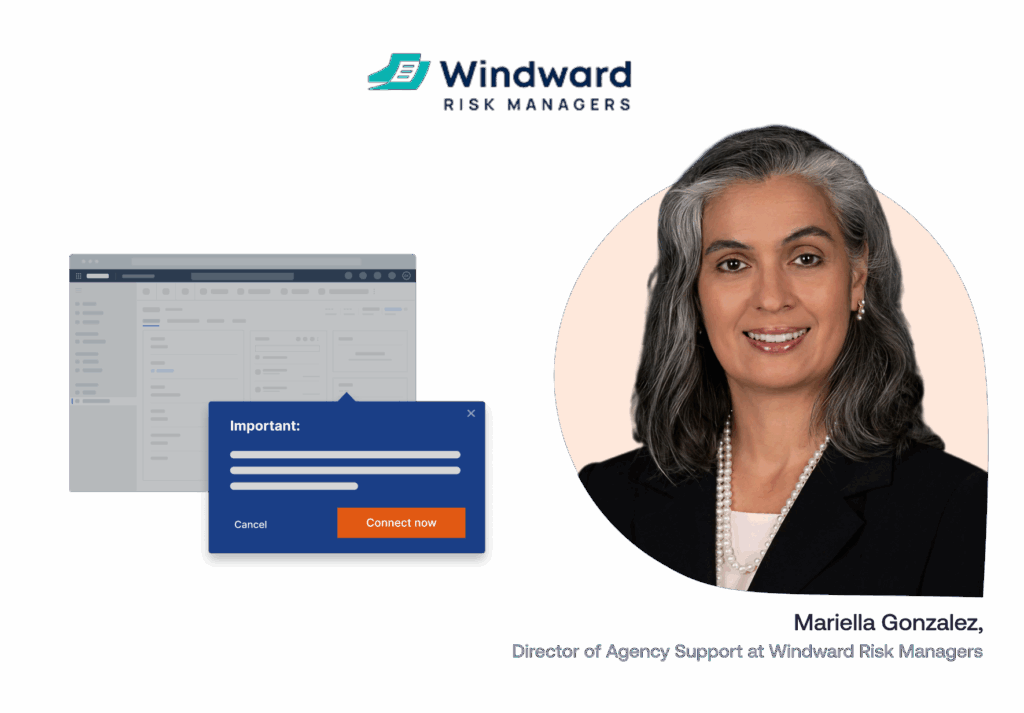
Windward Risk Managers provides comprehensive underwriting, claims handling, policy support, and general customer service. At the heart of their agent experience is Mariella Gonzalez, Director of Agency Support, leads a 10-person team supporting 5,500+ agents. As the team scaled, so did the challenges around onboarding, policy changes, and workflow usage governance within Duck Creek, a platform essential to policy creation and processing for its agents’ network.
The Challenge
A System Under Strain: Agent Confusion Caused Downstream Impact
Agents faced workflow inefficiencies when using Duck Creek, like identifying forms in the quoting process or accessing proper guidelines for handling claims and policy issues. Toggling back and forth between Duck Creek and the agent portal was time-consuming and disruptive.
Without embedded training, agents had to consult subject matter experts and external knowledge repositories for help, leading to policy delays and frequent calls to Windward’s support center. This caused a high call volume of L0/L1 calls into the customer service team, often leading to needless agent frustration.
“We didn’t have visibility into who was getting stuck where,” said Mariella. “There was no data to work from—and the training materials weren’t embedded into our Duck Creek workflows.”
The Solution
Enabling Agents in the Flow of Work at Key Friction Points
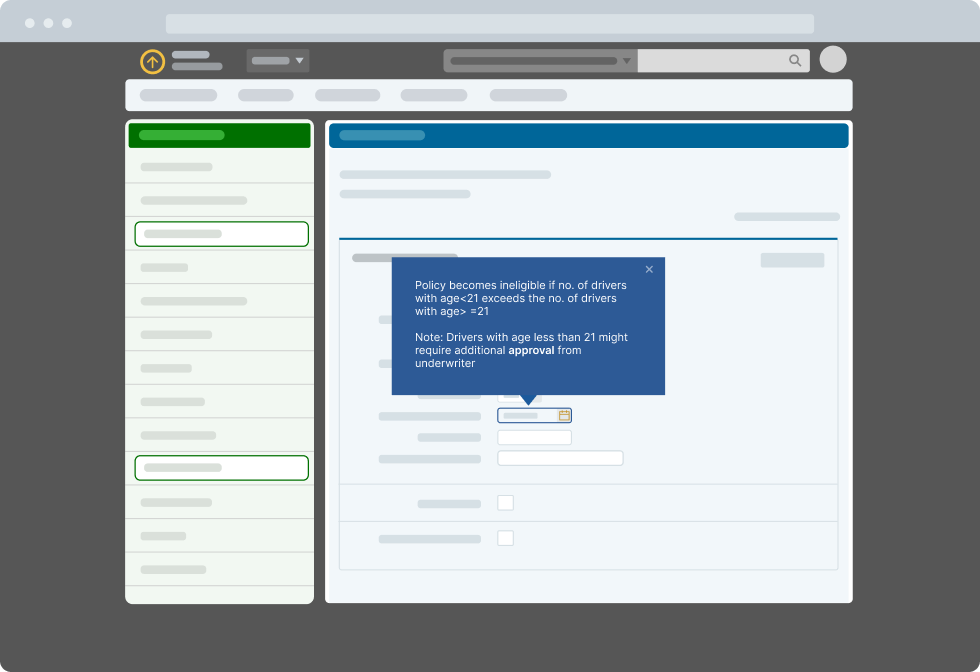
Windward implemented Whatfix to create embedded Flows, Self Help content, and pop-ups directly in Duck Creek. This enabled its agents to have embedded workflow support within the application at the moment of need, targeting key friction points that previously resulted in additional calls to the customer service team.
High-engagement content, like a “Processing a Mortgage Change” Flow, received nearly 800 plays. The “New Windward Risk Managers” Pop-Up (a change management campaign to support its company rebrand) was shown over 100,000 times in just seven weeks, helping agents stay aligned with corporate messaging and deflecting customer confusion. Embedded PDF guides, in-app beacons, and Smart Tips further boosted visibility into the Duck Creek’s features and frequent updates, driving user adoption across its agents and maximizing its Duck Creek ROI.
The Results
Frictionless Workflows Unlocked Agent Efficiency and Reduced Burden on Support
Post-implementation, the Self Help search success rate jumped from 61% in Q1’24 to 87% in Q1’25, indicating that agents found the information they needed independently. Its contact center saw fewer basic queries, allowing teams to shift their focus to higher-value tasks.
With Whatfix, Windward created a self-reliant agent network to navigate policy workflows and drive sales without bottlenecks confidently.
“Providing our agents the tools they need when and where they need them helps agents complete the sale faster and more efficiently,” said Mariella.
Industry: Insurance
Use Case:
- Employee Training
- Performance Support
- Task Optimization
Application For: Duck Creek Policy
User Type: Claims and Policy Agents
Read more customer stories
See how other brands empower their customers, employees, and end-users with Whatfix’s in-app guidance and support.
FAQs
Don’t see your answer? Send a message to our live chat, we’d be happy to help!
What is a digital adoption platform?
A digital adoption platform (DAP) overlays onto other software applications that provide in-app guidance and on-demand support to users. Admins use no-code editors to create, publish, and manage in-app content such as product tours, interactive walkthroughs, smart tips, task lists, and self-help wikis that help assist and guide users through applications in real-time.
Can I sign up for a free Whatfix trial?
Absolutely! You can sign up for a free trial to give Whatfix a test drive here.
What is Whatfix's pricing?
For full pricing information, please visit out pricing page.
Pricing for each product and plan is composed of a flat fee, plus user license fees. The flat fee depends on the product and plan you need. User license fees are defined based on the type of user who will access the application where Whatfix will be deployed, as further defined below:
For employee-facing applications used by your employees for internal business functions a user license is equal to the total number of users with access to such application.
For customer-facing applications used by your customers or external-facing users (partners or any other third-party) a user license is equal to the monthly active users (MAUs) with access to such applications.
How does Whatfix compare to its competitors?
What is the largest pure-play digital adoption vendor in the marketing. Explore our Compare Hub to see why Whatfix is the DAP market leader.
What type of applications does Whatfix support?
Whatfix supports both web-based, mobile, and desktop (or on-premise) implementations – as well as internal use cases for employees and external use cases for customers.
For our web-based cloud offering, you just need to install our Whatfix Editor extension on Chrome or Firefox, and you are ready to get started. Our editor’s user experience is so simple that you can create interactive guides easily, with no technical dependencies or setup required.
Our mobile DAP deployment utilizes an SDK.
We also offer full support for on-premise setups. Our on-premises export version allows you to export and deploy Whatfix guides on your own web server.
How can I read Whatfix reviews?
You can find Whatfix DAP on all major software review websites including G2, Capterra, SoftwareAdvice, Gartner, TrustRadius, etc. We recommend starting with Whatfix reviews on G2.com, as it is the largest, most established third-party review network. With 350+ reviews, Whatfix has been named a Leader in the DAP category for 9 consecutive reports.
What types of companies work with you?
Our customers range from SMBs, large enterprises, and Fortune 100 companies across verticals, including:
- SaaS companies
- eCommerce marketplaces
- Insurance companies
- Healthcare providers
- Media companies
- Governments
- Universities
…and many more – all solving their digital adoption challenges by empowering their employees, customers, and end-users with Whatfix.
What is the difference between Guidance Analytics and Product Analytics?
Whatfix offers two types of user analytics: Guidance Analytics and Product Analytics.
Guidance Analytics is included for all Whatfix DAP customers. It provides engagement and usage data on your in-app content built with Whatfix. See Task List completion rates, Flow dropoffs, Smart Tip views, common Self Help queries, and more.
Whatfix Product Analytics is a comprehensive no-code event-tracking solution. It empowers application owners and product managers to analyze user behavior on internal software and customer-facing apps.
What is Whatfix Mirror?
Whatfix Mirror is an application simulation software builder that provides interactive, replica sandbox environments of any web application for hands-on end-user training.
Quickly create interactive, replica versions of any web application to provide end-users with a sandbox environment for hands-on software training or user testing, without risking live software usage.
See why Fortune 1000 enterprises and growth companies choose Whatfix as their digital adoption and user experience partner.